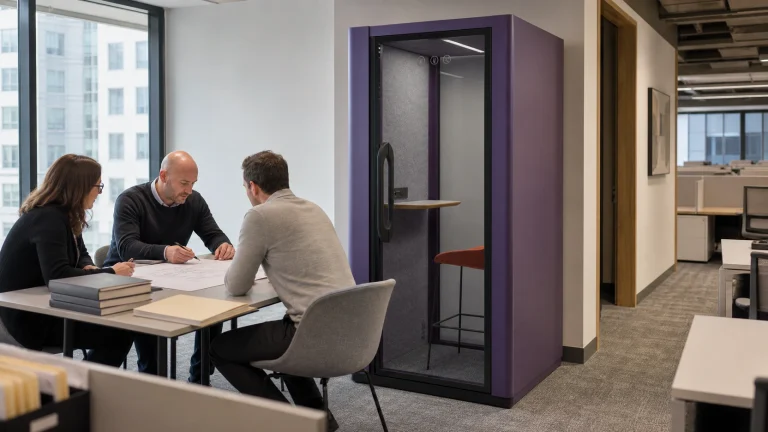
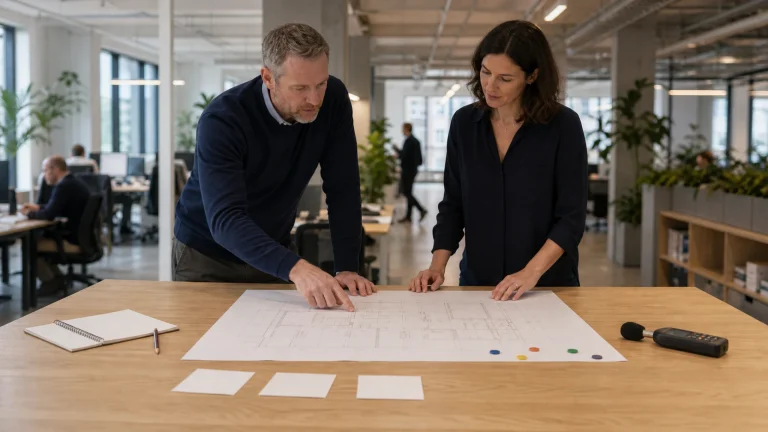
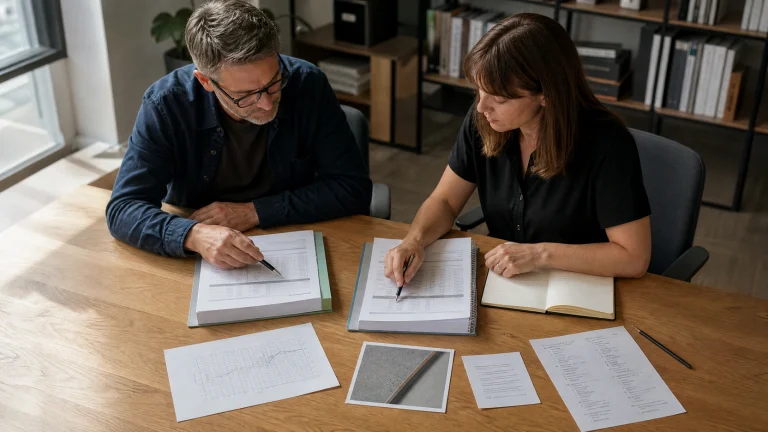
A one person booth should be specified around the work someone needs to complete, not a slogan that sitting is better or standing is healthier.
For a quick call with a phone and notebook, a standing ledge may be enough. For scheduled screen work, a seat, usable work surface, cable position, and room to enter or leave matter more. A high stool is a third configuration, not a compromise that automatically suits both.
Published workstation studies show that responses vary with person, task, posture, duration, and method.
None of the studies used for this guide tested an office booth or MOVUSH model. Use their mixed results to avoid a universal time rule, then verify the actual booth with representative users. This guide provides a practical path from work episode to supplier brief.
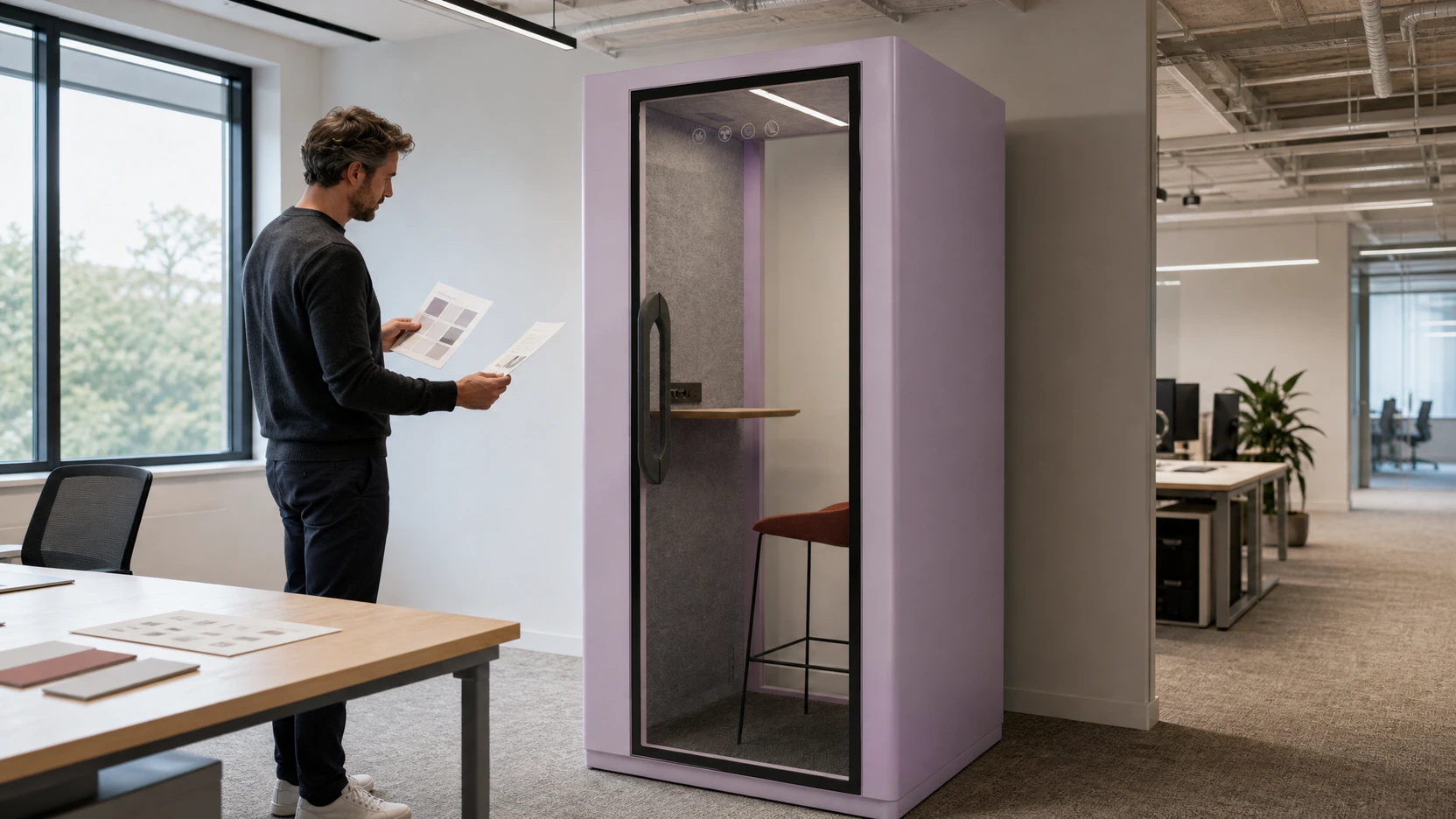
Start with the work episode
“One person” describes capacity. It does not describe the job taking place inside.
A private phone call, a video meeting, voice-note recording, concentrated writing, screen review, and a confidential document check can all involve one person. They create different requirements for posture, furniture, equipment, reach, lighting, camera position, and expected stay.
Write one dominant work episode before comparing configurations. If several episodes matter, list them separately and identify which one drives the purchase. The office-pod selection guide provides a broader activity-first route when the team has not yet settled the category.
| Brief field | What to record before selection |
|---|---|
| Primary task | Call, video meeting, typing, reading, recording, or another named activity |
| Equipment | Phone, laptop, monitor, headset, documents, power, and accessories actually used |
| Expected stay | A realistic range from current workplace behavior, not a universal target |
| Posture need | Standing, seated, high-stool or perch, or a planned change between settings |
| Entry and exit | Door operation, approach, belongings, and whether leaving interrupts the task |
| User range | Representative users, access needs, adjustments, and exceptions requiring review |

The output should be specific enough to test. “Private work” is too broad. “Laptop video calls with a headset, notes, and an expected project range of 20 to 40 minutes” gives the team a real configuration to examine without turning those minutes into a general rule.
Read duration as a planning input
The uploaded evidence register includes protocols ranging from 30 minutes to a simulated workday.
These durations describe research conditions. They are not prescriptions for how long every person should sit or stand.
A 30-minute sit-to-stand ratio study tested six ratios with 16 people in their normal office environment. Perceptions changed across ratios, and preferred ratios varied by participant. That variation is more useful to a buyer than selecting one ratio and calling it universal.
A two-hour sitting study with 20 adults reported increasing discomfort over time, while cognitive results did not move in one simple direction. A separate two-hour standing-workstation study asked 63 office workers to record symptoms every 15 minutes and found substantial variation in timing and body location.
In a simulated workday crossover study, 25 adults completed prolonged-sitting and alternating sit-to-stand conditions. The reported effects differed by outcome and body region, with lower back and leg discomfort moving in different directions and mental fatigue remaining similar.
These studies used workstations or laboratory settings, not booths. Their practical message is narrow: prolonged exposure to either posture can create problems for some people, individual response matters, and one timing rule cannot settle a product choice.
Use standing for a defined short task
A standing configuration is a credible candidate when the dominant episode is brief, the equipment load is light, and the person can complete the task without converting the ledge into a full workstation.
Typical project candidates include a phone call, a short video check-in, a voice message, or a quick document review. These are planning examples, not promised duration categories. The workplace should derive its own expected range from current behavior and then test it.
Check the ledge height and depth against the intended devices. Confirm where a phone, notebook, laptop, headset cable, and personal items will sit. Look at elbow position, screen angle, camera view, controls, and the space required to turn and leave.
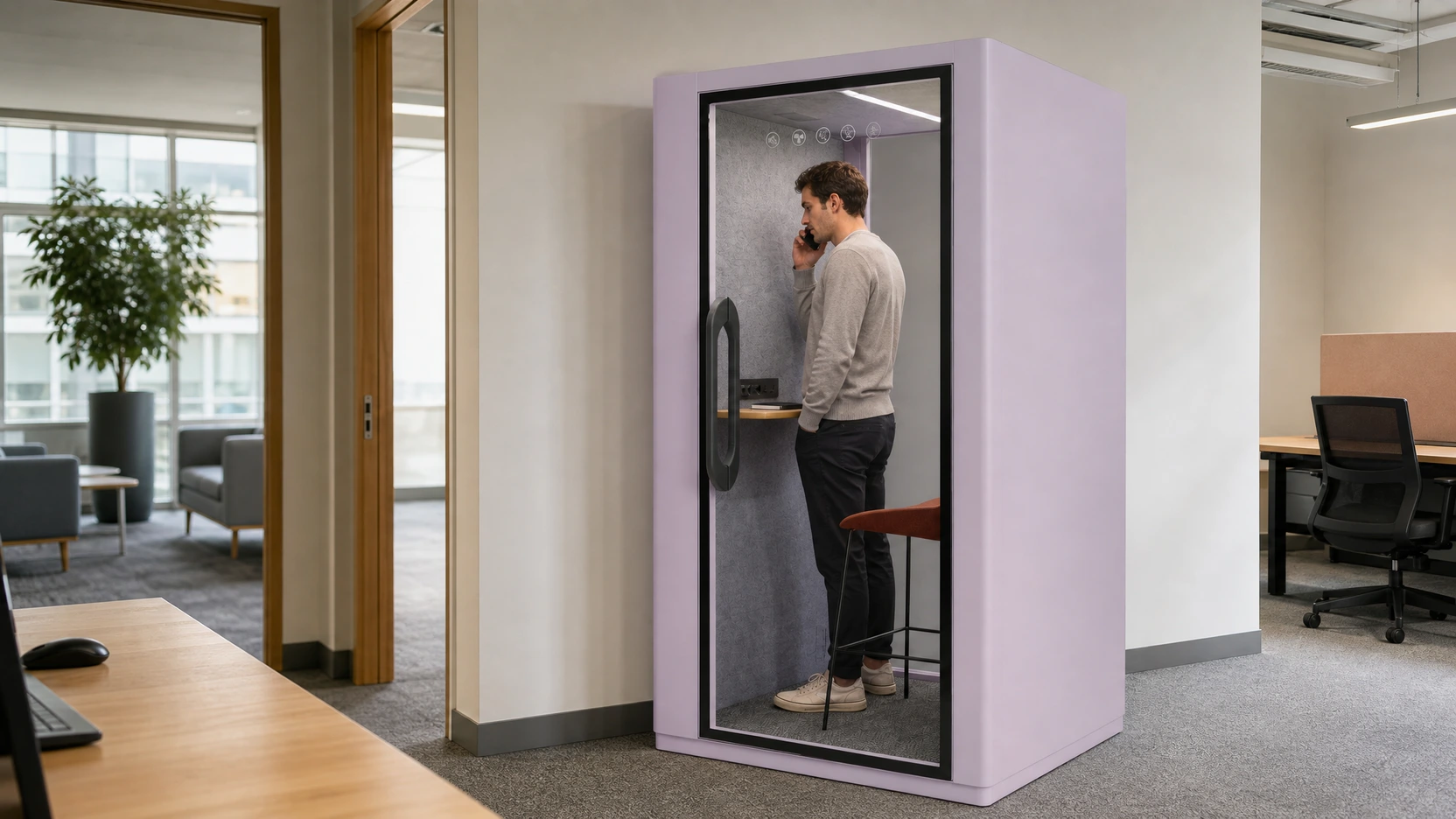
Do not use a standing setup to discourage longer sessions through discomfort. If demand regularly exceeds the tested work episode, change the brief, provide another setting, or make posture change easier.
Choose seated use for workstation-like tasks
A seated configuration deserves stronger consideration when the episode behaves like desk work. Sustained typing, repeated screen reference, detailed note-taking, scheduled video meetings, and tasks involving several documents create more workstation questions than a quick call.
The presence of a chair is not enough. Review the seat, work surface, device position, leg space, reach, lighting, power access, camera background, and door approach as one setting. Furniture that works for one user may not cover the intended user range.
Ask what happens at the end of the expected stay. Can the user stand and exit without moving equipment into the route? Is there a safe place for a bag? Does the chair obstruct the door or controls? Can facilities staff inspect and clean the setting without informal furniture substitutions?
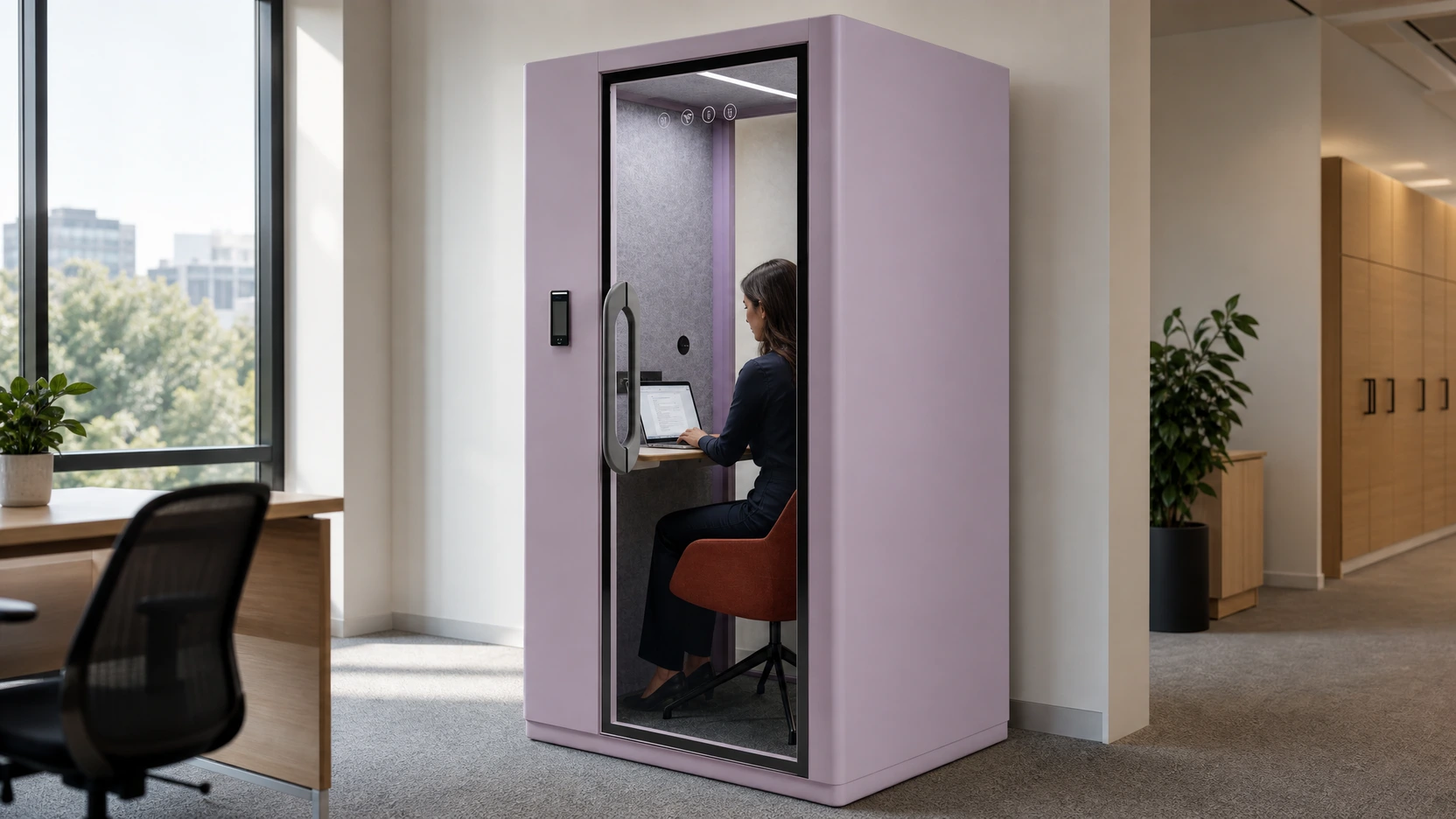
A seated booth may still be the wrong setting for extended focus work if the equipment, adjustability, room conditions, or operating pattern do not support the task. Compare the complete setup, not the enclosure label.
Treat a high stool as a separate configuration
A high stool or perch changes the body support, work-surface relationship, entry sequence, and transfer demands. It should not be recorded as both “seated” and “standing” without a test.
Some users may treat it as brief support during a call. Others may find the seat height, foot support, balance, or transfer unsuitable. The purchasing team should record the intended use, the user groups included in the pilot, and any alternative setting required.
Keep the wording precise. “High-stool configuration for short call testing” is reviewable. “Flexible for everyone” is not.
If the selected product offers furniture choices, request the exact option, revision, and applicable product information. Do not assume that a furniture change leaves circulation, reach, access, or intended use unchanged.
Match equipment to the interior
Equipment often decides the posture before the project team notices it.
A phone and headset require little surface area. A laptop with notes needs more. An external monitor, keyboard, mouse, task light, charging equipment, or multiple documents can turn a solo call setting into a compact workstation brief.
For each shortlisted configuration, check:
- the actual device count and footprint;
- work-surface position and usable area;
- seated or standing screen and camera position;
- power and cable path, subject to product and site confirmation;
- reach to controls without blocked circulation;
- storage of bags, coats, and temporary documents;
- door operation with the intended furniture and user;
- cleaning, inspection, and reset after use.
Use the intended equipment during the pilot. A paper template or an empty showroom view cannot reveal cable conflict, camera framing, typing reach, or where belongings end up.
Keep posture change possible
A booth does not have to provide every posture inside one enclosure. It does need to fit a workplace that gives people a practical way to change position.
If the booth is standing-only, identify a nearby seated setting for tasks that grow. If it is seated-only, make sure the route out is clear and re-entry does not create an operational penalty. Booking rules should not push one person to remain in an unsuitable configuration simply to protect a reservation.
Map the enclosure, door swing, occupied approach, nearby circulation, and alternative setting together. The office pod sizes guide explains why an exterior footprint is not the complete placement envelope.
Accessibility also requires project-specific review. Approach, door use, furniture, clear space, controls, transfer, sensory needs, and the wider workplace route may affect whether a particular configuration serves the intended users. Confirm the applicable requirements with the responsible project team and local authority.
Run a representative workplace pilot
Research can inform the questions, but the buying decision should be tested with the proposed product, furniture, equipment, location, and operating pattern.
Use a short, controlled pilot:
- Select representative tasks and users, including known access or adjustment needs.
- Freeze the exact booth, furniture, work surface, device, location, and booking assumptions being tested.
- Let each participant complete a realistic work episode without coaching them toward a preferred posture.
- Record start and finish time, task completion, posture, any exit or switch, interruption, equipment conflict, and the participant’s reason for stopping.
- Separate product observations from room, booking, network, device, and policy issues.
- Review exceptions before choosing the configuration or changing the brief.
Use observed minutes as project evidence
Record actual time because it helps compare the pilot with the expected work episode. Do not convert the longest completed session into a recommended maximum or minimum.
Separate stop reasons
A person may leave because a call ends, the next meeting begins, the network drops, the room feels uncomfortable, or another setting is better. Those events lead to different actions. Capture the reason in the participant’s own words and avoid medical interpretation.
Turn observations into a decision
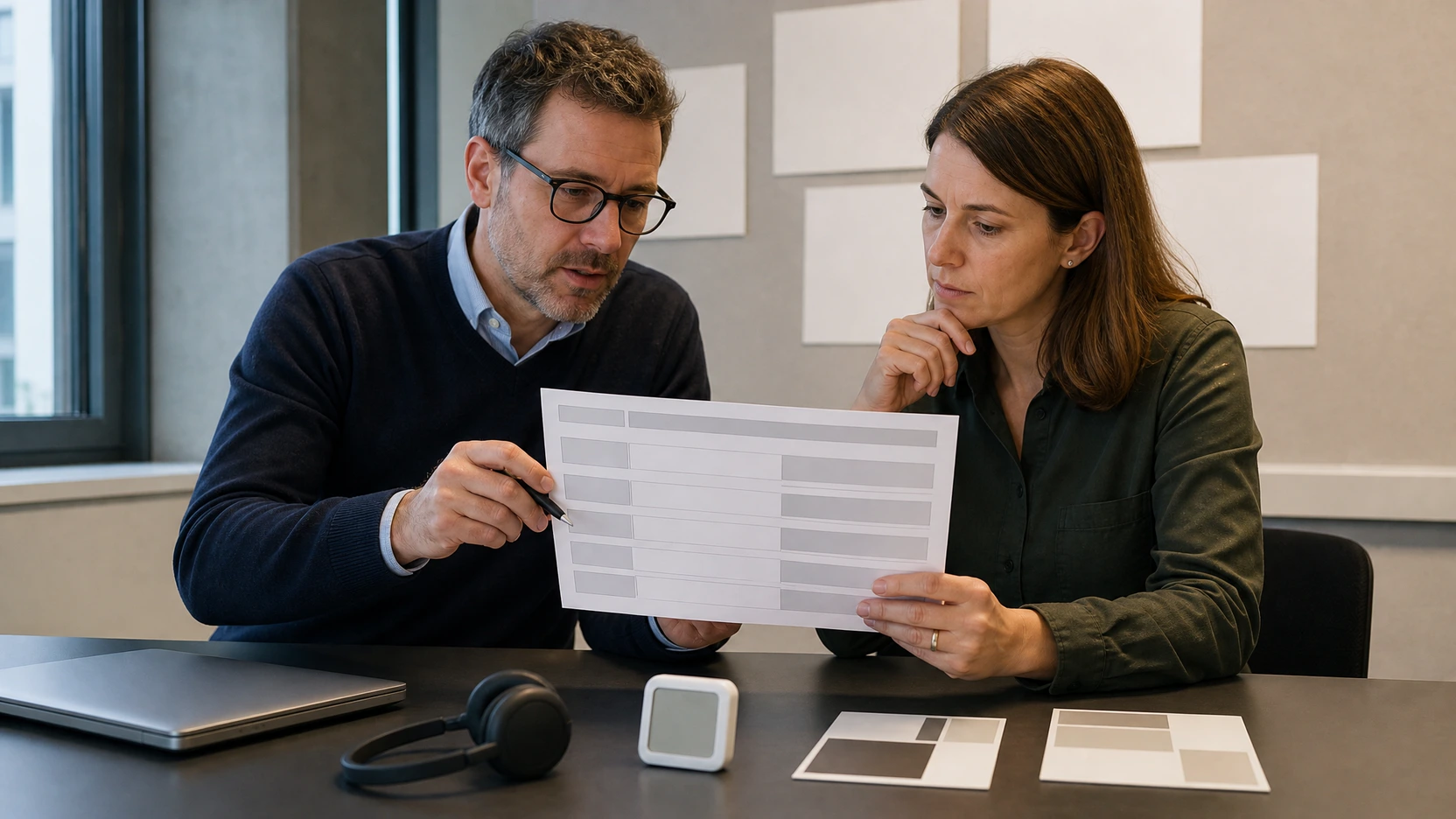
Summarize the pilot by use case, not by a single average.
| Decision outcome | Evidence needed |
|---|---|
| Standing configuration | Target task completed with intended equipment; entry, reach, and exit work for the reviewed users |
| Seated configuration | Workstation-like task, furniture, device position, circulation, and expected stay pass the project review |
| High-stool or perch | The exact support and work-surface relationship are tested as their own configuration |
| More than one setting | Different tasks or users require materially different support and a clear route between settings |
| Pause the purchase | Critical equipment, access, location, operating, or user-fit questions remain open |
Assign an owner and status to each open issue. Useful statuses include confirmed for this configuration, supplier clarification, facilities review, user exception, local approval, or excluded from scope.
The decision record should name the exact tested configuration and date. If the furniture, equipment, location, or intended task changes, reopen the affected checks.
Write the supplier brief
Send every supplier the same controlled inputs. The brief should include the dominant work episode, expected project duration range, user range, equipment, preferred posture, furniture intent, location, route, services, quantity, and open access questions.
Request a response against the exact configuration. Ask the supplier to identify included furniture, available adjustments, work-surface details, power interfaces, documents, options, exclusions, and items that require project confirmation. Keep unsupported values open rather than filling them from another model or market.
The office pods for sale buyer guide helps structure a comparable request after the activity and posture brief is stable.
A one person office pod is a better purchase when its task, equipment, posture, and operating assumptions are explicit. Share the brief, floor plan, intended devices, representative-user pilot notes, and unresolved fields when reviewing the MOVUSH acoustic pod range. MOVUSH can identify relevant configurations and the product-specific items that still need confirmation.