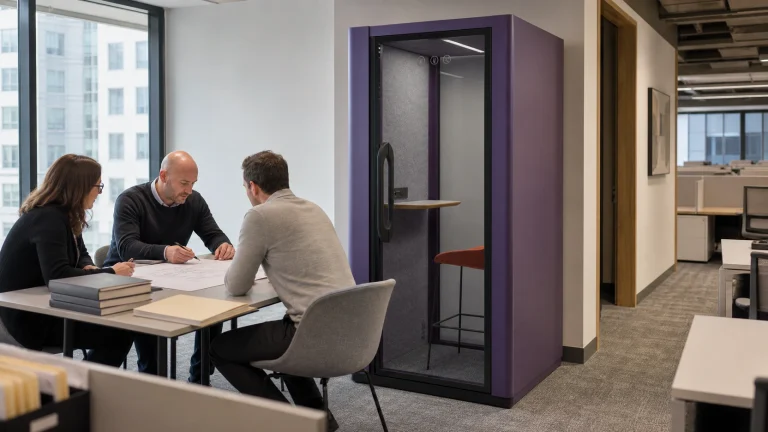
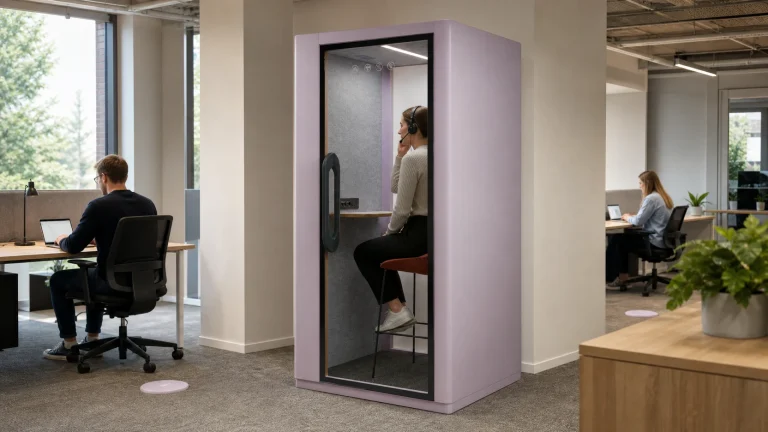
An office noise audit should produce a decision record, not a collection of disconnected meter screenshots. Map where an event begins, how it travels, who receives it, which activity is affected, and when the condition repeats. Only then should a pod enter the discussion.
This guide gives facility managers and workplace consultants a controlled planning method. It is not an occupational noise-exposure assessment, a professional acoustic test, or a speech-privacy acceptance procedure. Its output is a traceable baseline with raw records, rejected observations, calculation rules, sensitivity checks, and open evidence items. That baseline can support a later intervention review without pretending one number describes the whole office.

State the decision and audit limits
Write the decision at the top of the audit before collecting data:
> Identify the dominant recurring noise events, their source–path–receiver relationships, and the activities affected. Decide whether the record is strong enough to test a pod or another control.
The wording matters. “The office is noisy” has no location, time pattern, receiver, or acceptance route. “Calls from point P01 repeatedly reach focus desks at P04 during window W02” can be checked, repeated, challenged, and assigned.
ISO 22955:2021 treats open-office acoustic quality as an activity-led planning subject involving clients, project owners, consultants, contractors, and occupational specialists. ISO records the 2021 edition as confirmed in 2026. That supports a shared audit brief, but it does not create a result for your workplace.
Record N/A rather than forcing a value. If speech intelligibility was not assessed, write `N/A: outside this audit method`. If no calibrated instrument was used, call the record an observation log, not a measured acoustic survey. If an operating state could not be reproduced, identify the missing state and its owner.
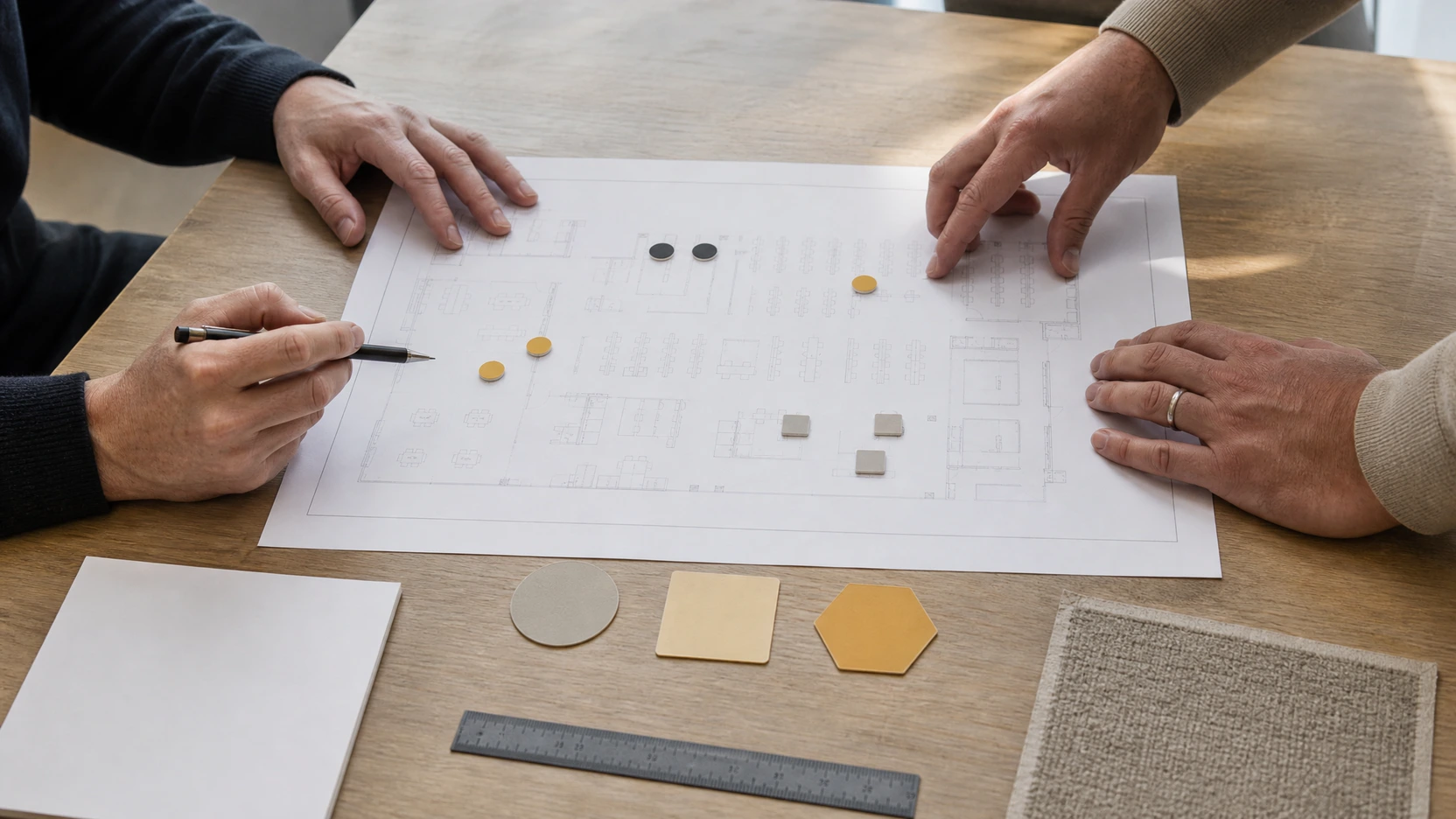
Build a point and time-window map
Give every location and representative period a stable ID. This turns observations, measurements, photographs, complaints, and later actions into one reviewable chain.
Choose points by decision value
Include points that test a relationship rather than drawing an even grid for appearance. A practical map may contain:
- a suspected source position;
- one or more receiver positions at affected work settings;
- a quieter reference point;
- an adjacent path, doorway, or shared boundary;
- a control point outside the affected zone.
Mark the microphone or observer position, nearby surfaces, open or closed doors, mechanical services, and the usual location of people. Use the same point ID in every file.
Sample representative windows
A quiet walkthrough before occupancy cannot represent a busy collaboration period. Define windows around the condition you need to test: start of day, recurring video calls, team overlap, lunch circulation, mechanical restart, or a late quiet period.
For each window, record the date, start and finish, occupancy, activity, doors, heating, ventilation and air conditioning state, masking state, unusual events, and whether the window is representative. Name the intended activity, but make sure the audit describes what actually happened in the space.
Assign the audit roles before fieldwork
An audit fails quietly when one person chooses the method, records the data, excludes inconvenient rows, and approves the conclusion. Separate those responsibilities before the first walkthrough.
| Role | Accountable task | Required record |
|---|---|---|
| Audit sponsor | Define the workplace question and available scope | Decision statement and exclusions |
| Method owner | Select observation or measurement fields and approve calculations | Method revision, units, settings, and N/A rules |
| Field recorder | Capture the raw condition without changing the method | Dated rows, point and window IDs, and anomaly notes |
| Facilities owner | Confirm operating states and building changes | Occupancy, doors, services, maintenance, and change log |
| User representative | Check whether sampled activities reflect actual use | Dated comment, disagreement, or acceptance of representativeness |
| Decision owner | Decide whether evidence supports another audit pass or a pilot | Signed action, owner, due point, and reopen trigger |
One person may hold more than one role on a small project. The record should still show which responsibility they were performing at each review. A field recorder can flag an anomaly, for example, but should not invent the rejection rule after seeing the summary.
Resolve privacy and participation boundaries too. Decide whether people, screens, speech content, names, or device identifiers may appear in working files. Where the audit only needs event type and activity, record categories rather than personal content. Store the access rule and retention owner beside the audit, not in an informal message that later disappears.
Finally, schedule a short method review before data collection and a separate decision review after sensitivity testing. This creates two useful stop points: one for correcting a weak method before it produces rows, and one for challenging the interpretation before it becomes a project recommendation.
Control the observation method
Choose the lightest method that can answer the decision, then state its limits.
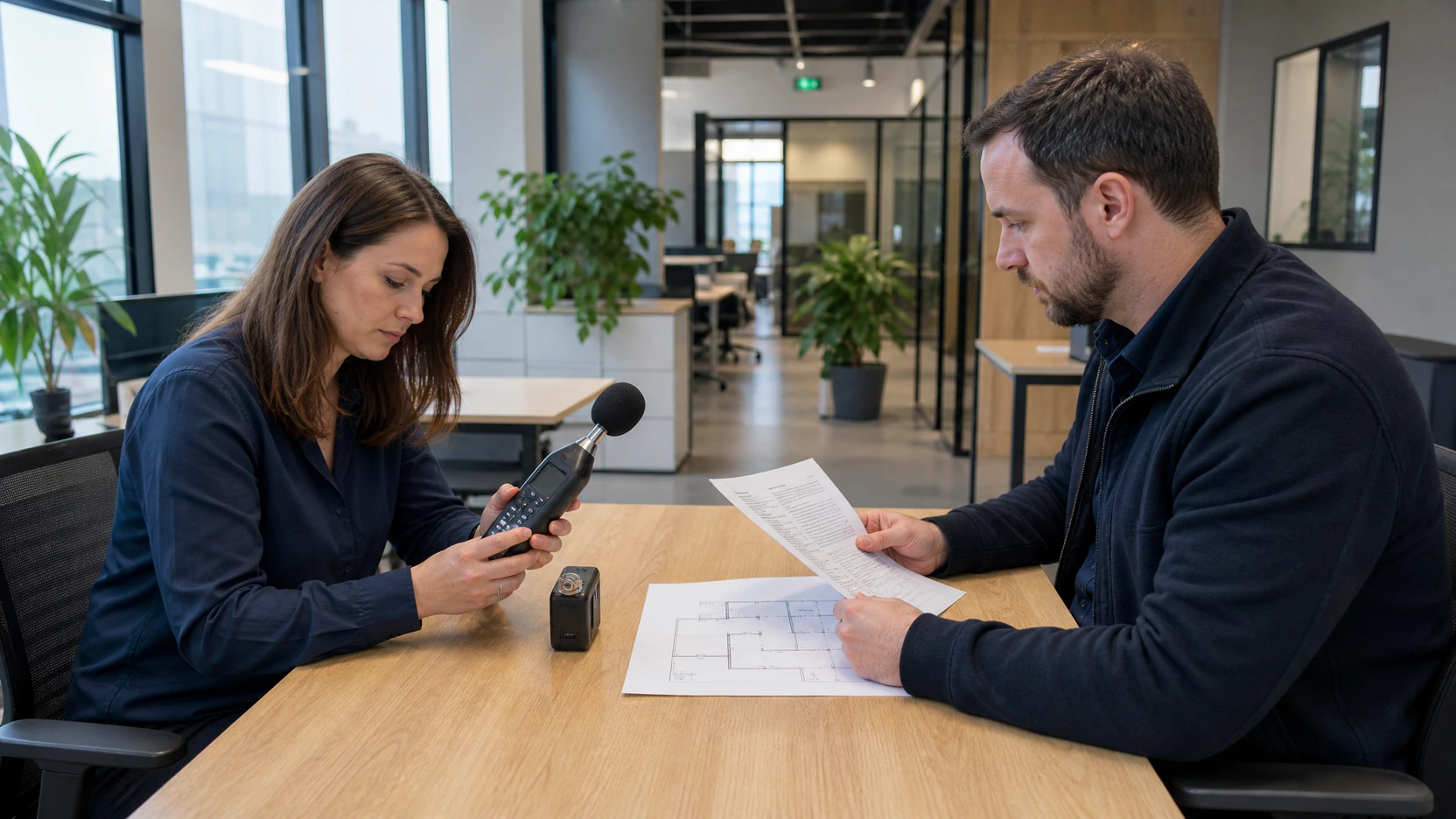
An observation-led pass can identify recurring activities, routes, complaints, and operating states. A measurement-led pass needs a qualified owner to select the instrument, settings, positions, duration, calibration, calculation, and reporting method. Do not mix the two without labeling each field.
NIOSH measurement guidance recommends mapping locations during typical operation, checking sound level meter settings, calibrating before and after measurements, and retaining detailed records. It also notes that app readings may not meet regulatory requirements. This article borrows those traceability habits, not NIOSH occupational exposure thresholds as office-comfort criteria.
ISO 3382-3:2022 specifies room-acoustic measurements in unoccupied open-plan offices, including apparatus, coverage, evaluation, and reporting. A general occupied-office log is not an ISO 3382-3 test. Bring in an acoustician when room parameters, speech decay, statutory duties, hearing risk, or contractual acceptance are part of the brief.
Preserve raw and rejected records
Never delete an inconvenient record from the working history. Retain the raw row, mark it included or rejected, state the reason, name the reviewer, and link any repeat.
Use fields such as:
| Field | Controlled entry |
|---|---|
| Record ID | Unique and never reused |
| Point / window | Stable map IDs |
| Raw observation or quantity | As captured, with unit where applicable |
| Operating state | Occupancy, activity, doors, services, and anomalies |
| Include | `1` or `0` under the approved rule |
| Rejection reason | Handling, interruption, wrong state, equipment fault, or other named cause |
| Repeat link | Replacement record ID, or N/A with reason |
| Reviewer | Named method owner and date |
Rejection is not a cleanup step. It is part of the evidence. A repeat taken under a different operating state cannot silently replace the original condition.
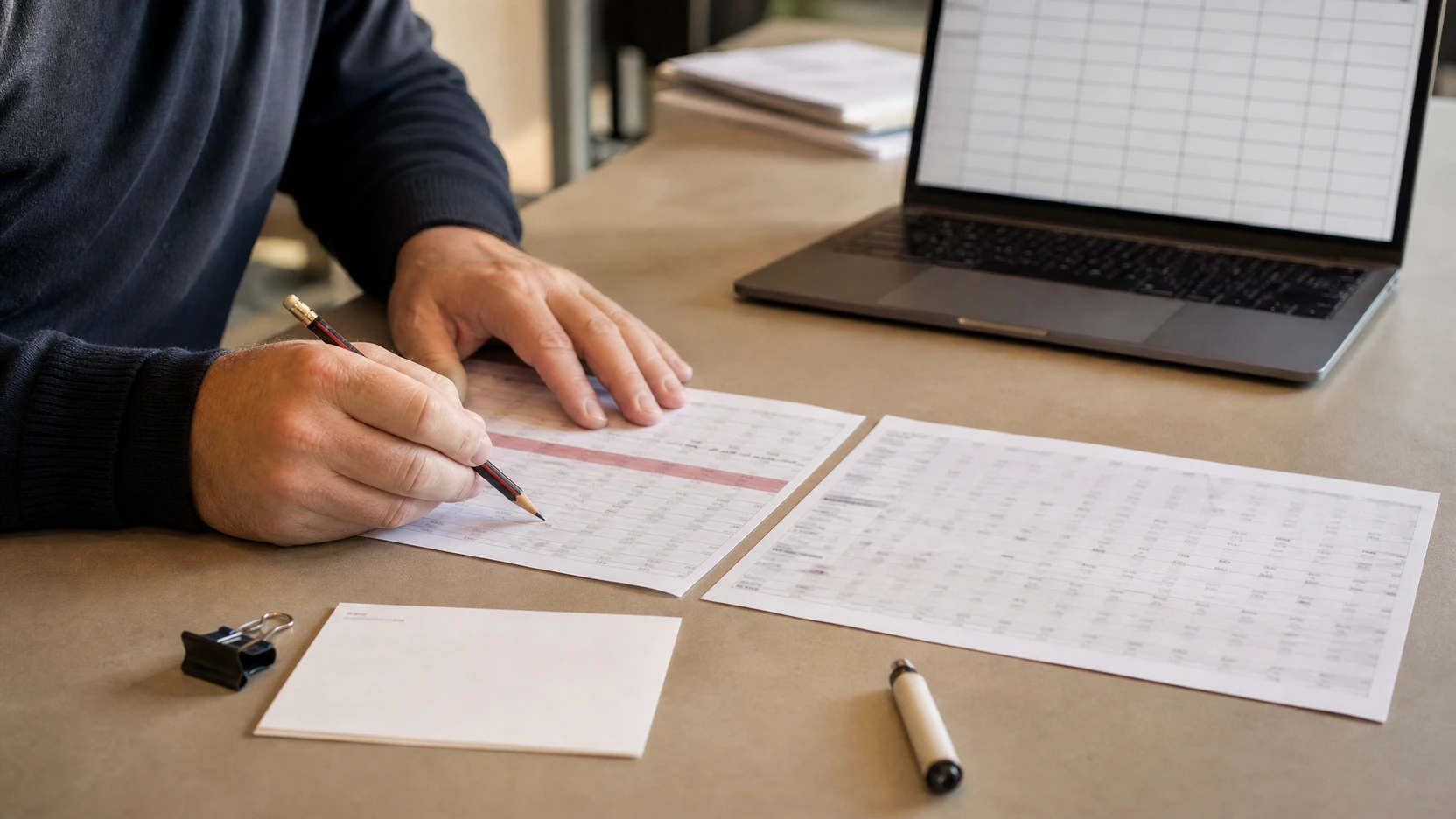
Calculate only approved fields
A spreadsheet is useful when every output can be traced to inputs and an explicit rule. It becomes misleading when a convenient formula is treated as an acoustic standard.
Use a calculation register before building a dashboard:
| Output | Required inputs | Rule | Invalid or missing handling | Interpretation limit |
|---|---|---|---|---|
| Valid record count | Include flag | Sum records where `Include = 1` | Show zero, never blank | Completeness only |
| Event frequency | Event count and window duration | Reviewer-approved count or rate | N/A if duration is missing | Pattern, not severity |
| Source–reference difference | Matched source and reference records | Source value minus reference value | N/A if windows or states do not match | Screening contrast only |
| Repeat sensitivity | Original, exclusion rule, and repeat | Compare outputs with and without the challenged record | Retain both cases | Stability, not truth |
| Missing-data flag | Required-field register | Flag any required empty field | Cannot be overridden by a score | Review priority only |
Decibels are logarithmic quantities, and standardized acoustic parameters have method-specific calculations. Do not average, subtract, rank, or combine sound fields merely because spreadsheet software permits it. The responsible reviewer must approve the quantities and formula before the result informs an office noise reduction plan.
Work through a synthetic example
Synthetic demonstration, not a measured workplace result. The supplied Article-020 Demo pack uses a fictional site, synthetic readings, placeholder instruments, and fictional signatures. Its real-evidence status remains not passed.
The workbook contains 19 raw rows and retains one rejected row. Record `R007` is marked `Include = 0` with a chair-impact or handling-noise reason. Record `R007R` is the linked repeat. That structure demonstrates the right audit behavior: keep the challenged row, show why it is excluded, and preserve the replacement path.
The same workbook records three synthetic source-to-reference differences: 17.1 dB, 17.3 dB, and 15.8 dB. Its spreadsheet rule reports a simple mean of 16.7333 dB.
Those values are not a target, ISO metric, pod result, or finding about a real office. Their only editorial purpose is to show lineage:
`matched raw rows → include rule → window difference → visible summary → stated limitation`
If a real reviewer chooses another method, the workbook must change. Do not preserve the formula simply because the demo calculated successfully.
Test sensitivity and missing data
A robust audit shows whether the decision survives reasonable challenges.
Run at least these checks:
- Exclude the highest or most disputed valid record and recalculate.
- Separate occupied and low-occupancy windows.
- Compare doors, services, and other operating states rather than pooling them.
- Review each receiver independently before creating a zone summary.
- List missing windows and ask whether they could reverse the decision.
- Compare event frequency with level-based fields instead of treating one as the other.
Write the result in decision language. “P01 remains the dominant recurring source across three representative windows” is useful if the records support it. “The score proves a pod is needed” is not.
Set a reopen trigger. Changes to team location, occupancy, call patterns, furniture, room finishes, doors, masking, or mechanical services may invalidate the baseline.
Decide whether a pod enters a pilot
An audit can identify a candidate activity and location. It cannot approve a pod by itself.
A pod may enter a controlled pilot when the source activity is recurring, a defined enclosure is relevant to that activity, receiver impacts are mapped, and operational changes alone have not answered the brief. The project team still needs to review capacity, access, circulation, power, ventilation, local requirements, and model-specific acoustic evidence.
ISO 23351-1:2020 is a laboratory comparison method for complete furniture ensembles and enclosures. ISO 23351-2:2026 addresses apparent speech-level reduction of complete test objects in field conditions. Neither method replaces the workplace map, and the workplace map cannot replace the product evidence.
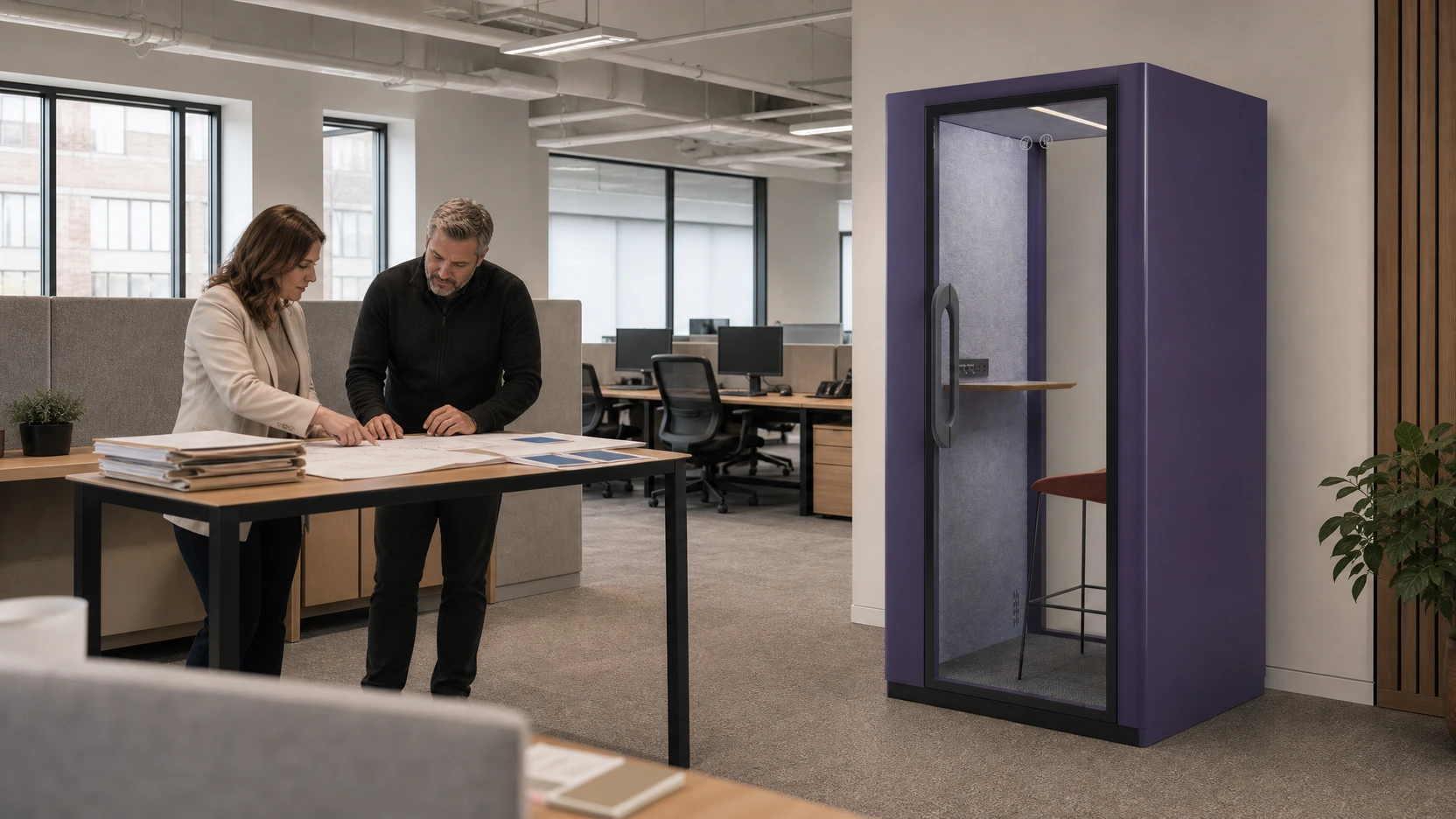
Use the MOVUSH acoustic pod range only after the activity and candidate location are clear. Then request the exact model files through the MOVUSH specification resources rather than transferring a generic product number into the audit.
Export the audit decision
The final record should let another reviewer reconstruct what happened without asking the original author to explain missing context.
Export:
- the decision question and exclusions;
- the dated floor plan with stable point IDs;
- the time-window and operating-state register;
- the selected method, instruments, settings, and calibration where applicable;
- all raw records, inclusion flags, rejection reasons, and repeat links;
- each approved formula and N/A rule;
- the sensitivity cases and unresolved evidence;
- the candidate action, owner, reviewer, and reopen trigger.
Keep the raw file beside the summary. A polished chart without its lineage is not an audit record.
Use the MOVUSH project resource library to identify the product information your team will need next. Share the completed audit, marked floor plan, point and window IDs, retained raw records, assumptions, and open evidence items so MOVUSH can organize a model-specific scope review. The Draft remains a planning aid until the responsible workplace and acoustic reviewers approve the real project method.